
TL;DR
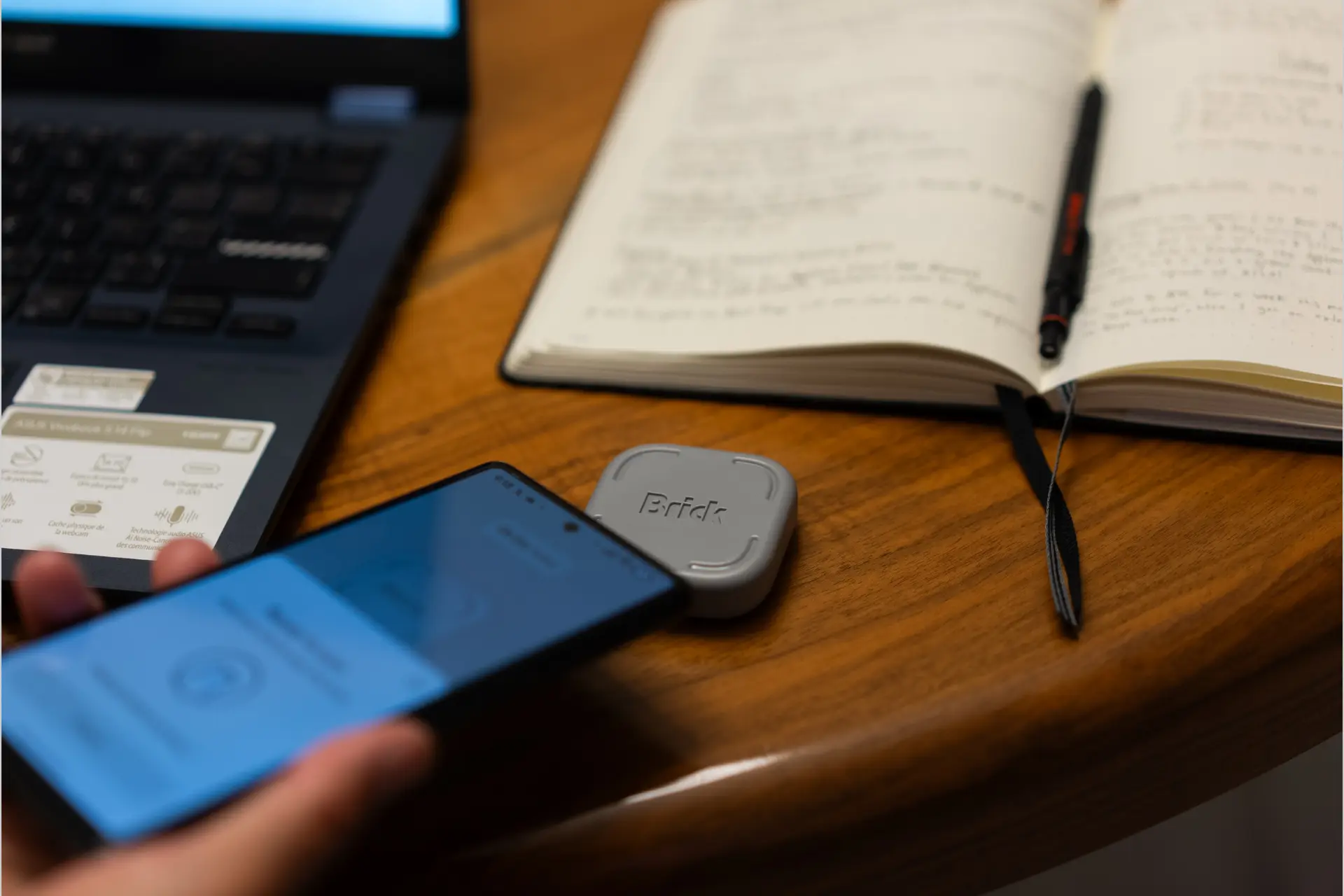
- Tapping your phone to Brick activates a focus mode that blocks selected apps or websites, and because you need the physical Brick device again to unblock them, it creates genuine friction that is harder to override in a moment of weakness than any software-only blocking solution.
- Up to 10 custom focus modes for work, study, family time, and other routines, with remote start from the app, daily scheduling, usage history to track how long sessions hold, and Strict Mode that prevents app deletion as a bypass attempt.
- One-time purchase at $59 with lifetime app access and no subscription, one Brick works with multiple phones, 5 emergency unblocks per device for genuine emergencies, compatible with iOS 16.2-plus and Android 12.0-plus.
Brick is a physical NFC device that activates a phone focus mode when you tap your phone to it, blocking selected apps and websites until you tap Brick again to unblock them, with up to 10 custom focus modes, scheduled sessions, usage history tracking, Strict Mode to prevent app deletion as a workaround, 5 emergency unblocks per device, one Brick usable with multiple phones, no subscription, and lifetime app access, compatible with iOS 16.2 and above and Android 12.0 and above, at $59. If every digital solution to phone distraction has failed because there is no real consequence for bypassing it, Brick is the product that adds a physical step to that bypass.
Brick at a Glance
- Price: $59
- Platform: iOS 16.2-plus and Android 12.0-plus
- Interaction: Tap phone to Brick to activate focus mode; tap again to unblock
- Custom Modes: Up to 10
- Emergency Unblocks: 5 per device
- Scheduling: Daily scheduled sessions
- Remote Start: Available via app
- Usage Tracking: Built-in session history
- Strict Mode: Prevents app deletion as a bypass
- Multi-Device: One Brick works with multiple phones
- Subscription: None, lifetime app access
- Best For: Focus sessions, study, parental routines, digital wellness, anyone who fails at software-only blocking solutions
What Is Brick?
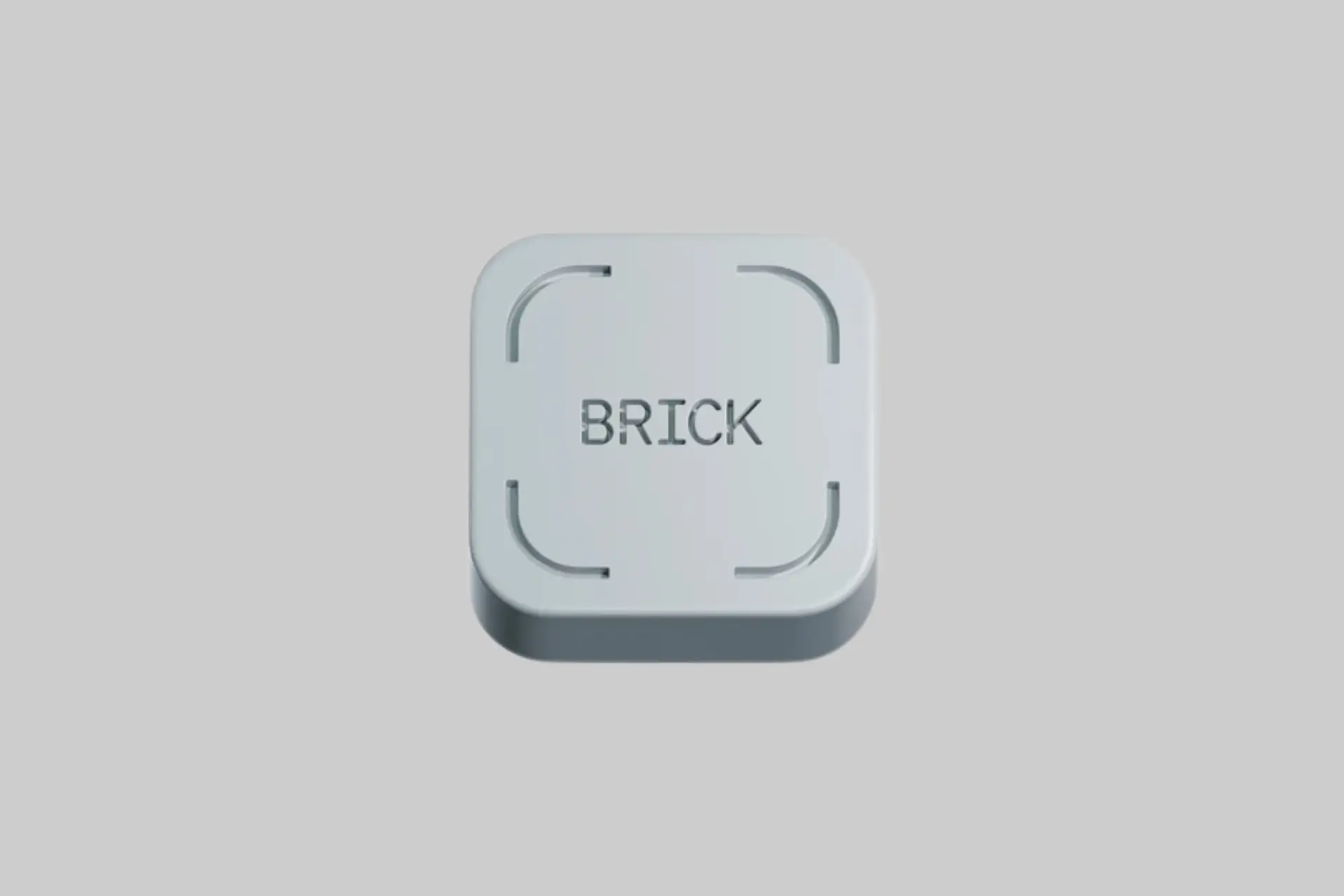
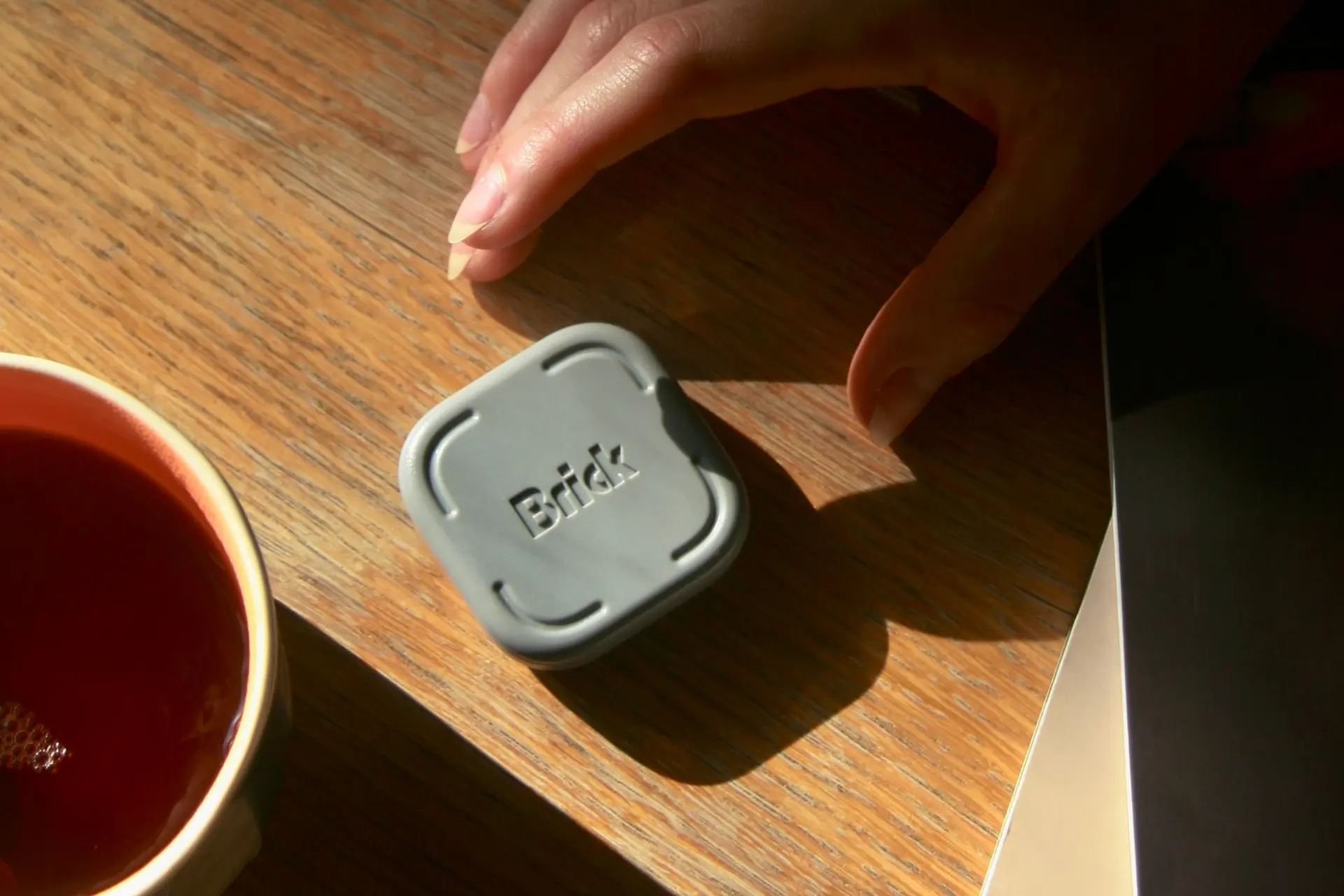
Brick is a small physical NFC device that pairs with a companion app on iOS or Android to create a focus mode system with a physical activation requirement. The concept is simple and the execution is direct: when you want to block distracting apps, you tap your phone to Brick. When you want to unblock them, you need Brick again. Because Brick is a separate object you have to physically locate and interact with, bypassing the block requires more effort than the typical one-tap dismissal that software-only blocking apps provide.
Brick is sold as a one-time purchase at $59 with lifetime app access and no subscription. One Brick can be used with multiple phones, making it practical for households where multiple family members use it for different routines.
What Makes Brick Different?
The physical friction mechanism is the differentiator that every software-only phone distraction solution lacks. App-based blocking tools, Screen Time, Digital Wellbeing, and third-party apps all share a fundamental limitation: they can be bypassed with a few taps from the same device they are trying to manage. The bypass path is as convenient as the distraction itself, which is why most people who install these tools stop using them within weeks.
Brick's design insight is that removing convenience from the bypass path changes the behavioral calculus. When unblocking requires locating a separate physical object, walking to wherever it is kept, and tapping it deliberately, the micro-impulse to check Instagram in a moment of boredom encounters actual resistance. The small amount of friction introduced by a physical step is enough to interrupt the automatic behavior that makes phone distraction difficult to manage by willpower alone.
This is the same principle behind techniques like putting your phone in another room: the barrier is not large, but the barrier being physical and spatial makes it psychologically more significant than a barrier that is only digital. Brick formalizes that principle into a product that keeps the phone present while adding the physical step that in-another-room placement provides.
What Are the Key Features?
Up to 10 custom focus modes allow different blocking configurations for different contexts. A work mode might block social media and news while leaving productivity apps accessible. A study mode might block everything except the reference tools the study requires. A family mode might block work apps and notifications to create genuinely present time. Each mode can be configured separately and activated by tapping Brick without re-configuring settings each time.
Scheduled sessions build the focus habit automatically rather than requiring the decision to start blocking every time. Setting a daily work focus schedule means Brick mode activates consistently without relying on remembering to start it each morning, which is the behavior change that eventually becomes habitual rather than deliberate.
Strict Mode addresses the most common workaround: deleting the blocking app and reinstalling it without the blocks. By adding restrictions that make app deletion harder, Strict Mode closes the workaround that technically motivated users discover when they are determined to bypass the block despite having set it up themselves. For parents configuring Brick for children, this is particularly relevant.
The 5 emergency unblocks per device provide a genuine emergency access path without making emergencies a routine bypass. Five unblocks is enough for real emergencies but insufficient to use casually as a bypass whenever the focus mode becomes inconvenient, which is the right balance between accessibility and accountability.
Usage tracking through session history makes the behavior visible: how long sessions held, when they were started and ended, and over time whether focus habits are improving. The data is for the user's own reflection rather than a social or coach feedback loop.
How Does Brick Compare to Software-Only Solutions?
Apple Screen Time and Google Digital Wellbeing are free and built into the phone operating system, but both can be bypassed easily from the same settings menu that controls them. Forest, Freedom, and similar third-party apps add social or motivational layers to blocking, but they are still software running on the same device being managed. Brick's physical separation of the blocking and unblocking action is a fundamentally different approach from anything that runs on the phone itself.
The practical result is that Brick is most useful for buyers who have already tried software solutions and found them ineffective. If Screen Time or a blocking app has worked consistently, Brick adds cost without adding meaningful value. If software solutions have consistently failed because the bypass path was too convenient, Brick addresses that specific failure mode directly.
Best Ways to Use Brick
Placing Brick somewhere deliberate but not immediately accessible from the work or study position is the placement that maximizes the friction effect. A shelf across the room, a drawer in a different area, or a spot that requires standing up to reach all add the physical distance that makes the bypass feel more effortful. The goal is not to make the phone permanently inaccessible but to make casual distraction-seeking require a conscious, physical choice.
Setting up scheduled sessions before needing them removes the daily decision to start blocking. Configuring work, study, and family modes with specific app selections once, and then activating them by tap rather than by settings navigation, is the daily use pattern that makes Brick a friction tool rather than an administrative overhead.
Pros and Cons
- ✅ Physical NFC activation creates real friction that software-only blocking cannot provide
- ✅ Up to 10 custom focus modes for different contexts and routines
- ✅ Scheduled sessions build focus habits without requiring daily manual starts
- ✅ Strict Mode prevents app deletion as a bypass workaround
- ✅ 5 emergency unblocks provide genuine emergency access without routine bypass
- ✅ Usage tracking for session history and habit visibility
- ✅ No subscription, lifetime app access, one-time purchase at $59
- ✅ One Brick works with multiple phones for household use
- 🟡 Most useful for buyers who have already found software solutions insufficient
- 🟡 A determined user can still bypass the block through other workarounds not covered by Strict Mode
Who Is Brick Best For?
- Software solution failures: Buyers who have tried Screen Time, Digital Wellbeing, or third-party blocking apps and found them too easy to bypass in weak moments.
- Deep work practitioners: Anyone who needs genuine focus blocks for writing, coding, studying, or creative work where phone distraction interrupts productive flow.
- Parents managing children's phone use: A physical enforcement mechanism that is harder for children to bypass than app settings, with Strict Mode preventing deletion workarounds.
- Routine and habit builders: Scheduled sessions and usage tracking for buyers who want to build consistent focus habits rather than manage distraction case-by-case.
- Households with multiple phone users: One Brick for multiple family members covering different focus mode configurations.
Final Verdict: Is Brick Worth It?
Brick earns its concept by identifying the specific failure mode of every digital phone distraction solution and addressing it with a physical rather than a digital mechanism. The friction is small but the effect on impulsive bypassing is disproportionately large, which is the behavioral insight that makes a simple NFC device a genuinely useful tool for people who have failed at software-only solutions.
It is not magic. A determined person who wants to bypass the block will find a way. But for the automatic, impulsive phone checking that constitutes most of the distraction problem, the physical step of locating and tapping Brick is enough friction to interrupt the behavior before it happens. For buyers who have been losing the software-only battle with their own phone, Brick is one of the more honest and practically designed digital wellness tools available in 2026.
About Previewer
Previewer is an independent product discovery platform featuring honest, in-depth reviews of emerging and noteworthy brands across technology, wellness, lifestyle, and consumer products. Every product we feature is selected on merit, and our reviews are written to help real people make informed decisions, not to push a sale. If a brand is featured here, it's because we think it's worth your attention.
Last updated October 2026